

How to Check Your e-Filing Status Online: A Complete Step-by-Step Guide
Checking your e-filing status online is one of the simplest ways to confirm that your tax return actually reached the IRS, especially when you are filing time-sensitive federal excise tax forms such as Form 720, Form 720-X, or an 8849 form claim.
For 2026, businesses are relying more heavily on online filing because it gives faster acknowledgment, clearer error messages, and a better filing record than mailing paper forms. But an important point often gets missed: “submitted” does not always mean “accepted.” You should verify the final status after transmission.
Here is the quick answer: to check your e-filing status online, sign in to the e-file provider you used, open your dashboard or return history, select the submitted form, review the IRS acknowledgment status, save the confirmation, and take action if the return was rejected or still pending.
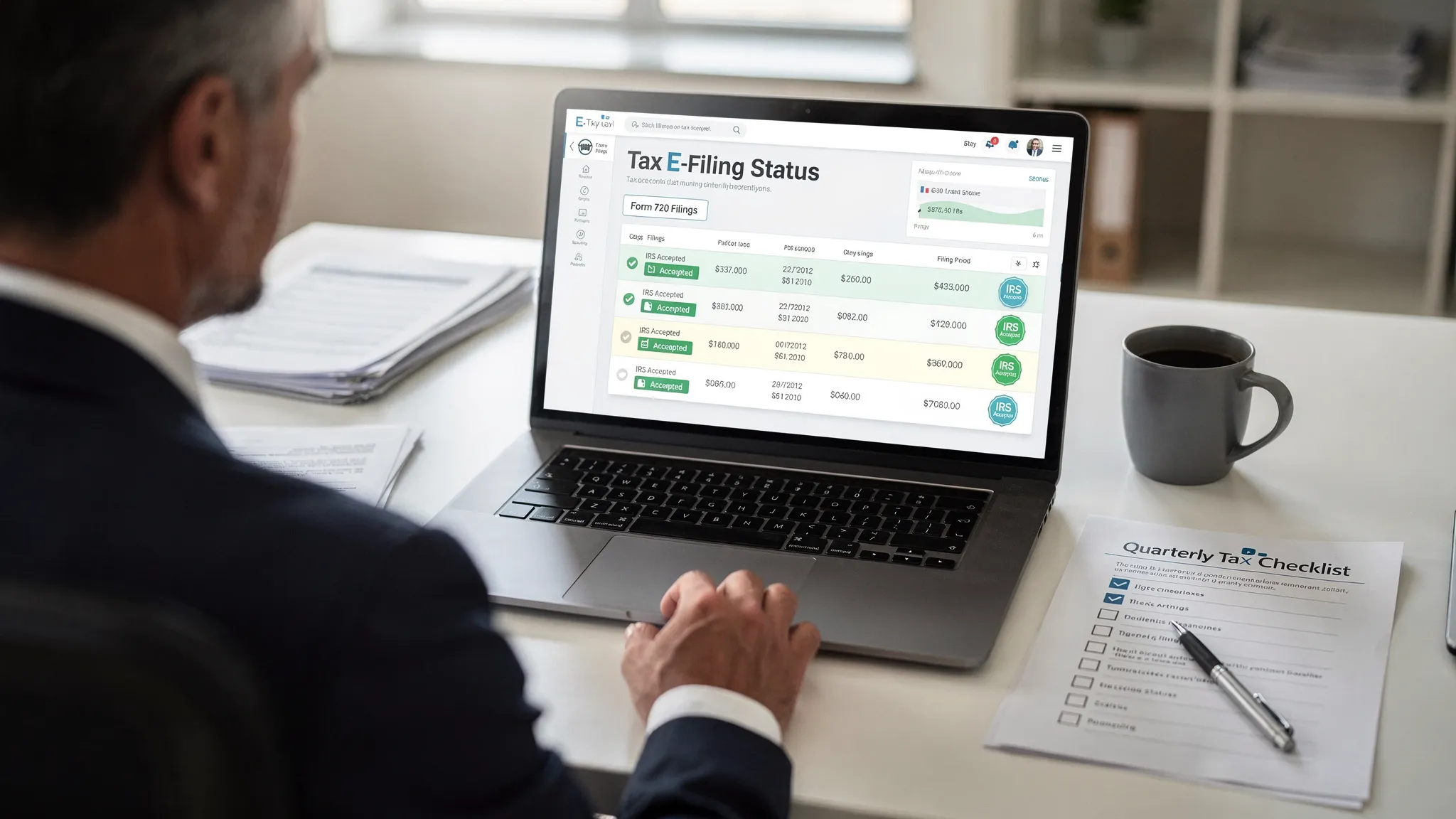
What Does E-Filing Status Mean?
Your e-filing status shows where your return is in the electronic filing process. For excise tax filers, this usually means whether your Form 720 or related filing has been created, transmitted, accepted, or rejected.
This is different from payment confirmation. A return may be accepted while the tax payment is handled separately through the IRS or EFTPS. Likewise, a Form 8849 refund claim may be accepted for processing, but that does not automatically mean the IRS has approved or paid the refund.
If you use an IRS-authorized e-file provider like eFileExcise720, your online account should be the first place to review your filing progress and acknowledgment details.
Before You Check Your Status, Gather These Details
Before logging in, have your filing information ready. This helps you confirm that you are reviewing the correct return, especially if your business files multiple excise tax forms or files every quarter.
You may need:
- Business name and EIN
- Tax form type, such as Form 720, Form 720-X, or Form 8849
- Tax quarter or filing period
- Submission date
- Email address used to create the filing account
- Any confirmation number, if available
For Form 720, the filing period matters because it is a quarterly federal excise tax return. If you are unsure which quarter applies, review the Form 720 due date guide before checking your status.
How to Check Your E-Filing Status Online, Step by Step
Step 1: Log in to the e-file account you used
Start by signing in to the platform where you submitted your return. If you filed through eFileExcise720, go to the secure online portal from the website and log in with your account credentials.
Avoid checking status through a random third-party website. For business excise tax filings, the most reliable source is usually your IRS-authorized provider account, your IRS correspondence, or official IRS payment systems.
Step 2: Open your dashboard or return history
Once logged in, look for your filing dashboard, return list, or filing history. A good tax file software platform should make it easy to see recently created, submitted, and accepted returns without downloading software.
If your business files several excise tax categories, check the form type carefully. Form 720 covers many categories, including fuel, environmental taxes, communications, air transportation, indoor tanning, PCORI fees, and more.
Step 3: Select the correct form and filing period
Click the return you want to verify. Confirm that the EIN, business name, tax period, and form type match your records.
This step is especially important if you filed a zero liability return, an amendment, or a refund claim. For example, a Form 720 zero liability filing may show no tax due, but you still want proof that the IRS accepted the return.
Step 4: Review the IRS acknowledgment status
After transmission, the IRS sends an acknowledgment through the e-file system. Your provider displays that response in your account.
Here is what common e-filing statuses usually mean:
| Status | What it means | What to do next |
|---|---|---|
| Draft | The return has been started but not submitted | Review, complete, and transmit before the deadline |
| Transmitted | The return was sent to the IRS | Wait for the IRS acknowledgment |
| Pending | The IRS response has not yet been received | Check again later and monitor email updates |
| Accepted | The IRS accepted the electronic return | Save the acknowledgment for your records |
| Rejected | The IRS did not accept the return because of an issue | Correct the error and resubmit promptly |
For most filers, “Accepted” is the status you want to see. It means the electronic return passed IRS checks and was accepted into processing.
Step 5: Save or download your confirmation
Once your return is accepted, keep a copy of the filing confirmation, acknowledgment, and submitted return. Store them with your supporting documents, such as invoices, gallons, passenger counts, policyholder counts, fuel records, or tax calculations.
Excise tax documentation matters because Form 720 reporting is often tied to specific business activity. If the IRS later questions a filing, your acknowledgment helps prove when the return was submitted and accepted.
Step 6: Verify payment separately
Do not assume your e-filing status proves payment was completed. Form acceptance and tax payment are related, but they are not the same thing.
If you pay federal excise tax through EFTPS, confirm the payment status in your EFTPS account. The IRS provides more information about electronic federal tax payments through the EFTPS website.
This distinction is important because late payment or deposit issues may still cause penalties even if your return was filed on time. If you are concerned about penalties or interest, review Form 720 penalties and interest.
What If Your E-Filed Return Is Rejected?
A rejected e-filed return does not always mean you did something serious wrong. Many rejections happen because of mismatched business information, missing fields, incorrect tax periods, or calculation errors.
Common reasons include:
- EIN or business name mismatch
- Wrong tax quarter selected
- Missing required schedules or attachments
- Incorrect IRS tax number or category
- Duplicate filing for the same period
- Math errors or incomplete return data
If your return is rejected, read the rejection message carefully. Correct the issue and resubmit as soon as possible. The goal is to get the return accepted before the filing deadline, or as quickly as possible if the deadline has already passed.
For preparation help before your next filing, use the Form 720 e-filing checklist for 2026.
Checking Status for Form 720 vs. Form 8849
Form 720 and Form 8849 have different purposes, so their status should be interpreted differently.
Form 720 is used to report and pay quarterly federal excise taxes. When the IRS accepts your e-filed Form 720, it confirms the return was accepted for processing.
Form 8849 is used to claim refunds of certain excise taxes. An accepted 8849 form generally means the claim entered processing, not that the IRS has approved the refund. Refund timing can vary based on the schedule, claim type, documentation, and IRS review.
If you are unsure which form applies, compare them in this guide: Form 720 vs Form 8849. You can also review the dedicated Form 8849 refund claim page for claim-related details.
Best Practices for 2026 E-Filing Status Tracking
Make status checking part of your quarterly close process. For 2026, Form 720 is generally due on the last day of the month following the end of each quarter, with weekend or holiday rules moving the due date to the next business day when applicable.
A practical process is to file early, check the status the same day, check again after IRS acknowledgment, then save all confirmations in one folder for that quarter. If your business has multiple locations or excise tax categories, assign one person to own the final status check.
Using an IRS-authorized online platform such as eFileExcise720 can simplify this process by keeping filing activity, supported Form 720 categories, amendments, and Form 8849 claim support in one secure online workflow.
Frequently Asked Questions
How long does it take to see my e-filing status online?
Many electronic filings show a transmitted or pending status soon after submission. Final IRS acknowledgment timing can vary, so check your account and email updates until you see accepted or rejected.
Does “accepted” mean my Form 720 payment was received?
No. Accepted means the IRS accepted the electronic return for processing. If you paid separately through EFTPS or another IRS payment method, verify the payment separately.
Can I check the status of an 8849 form online?
You can usually check whether your Form 8849 claim was submitted or accepted through the e-file provider you used. Refund approval and payment status are separate from e-file acceptance.
What should I do if my Form 720 is rejected?
Review the rejection message, correct the issue, and resubmit promptly. Common issues include EIN mismatches, wrong tax periods, missing schedules, or incorrect excise tax category details.
Should I keep my e-filing acknowledgment?
Yes. Keep the acknowledgment, submitted return, payment records, and supporting documents with your tax files. These records help prove timely filing and support future amendments or refund claims.
File and Track Your Form 720 Online with Confidence
Checking your e-filing status is a small step that can prevent major compliance headaches. Whether you are filing Form 720, correcting a return, or preparing an 8849 form claim, always confirm that the IRS has accepted your submission and keep proof in your records.
Ready to file online for 2026? Create a free account with eFil