

Liquefied Natural Gas tax filing
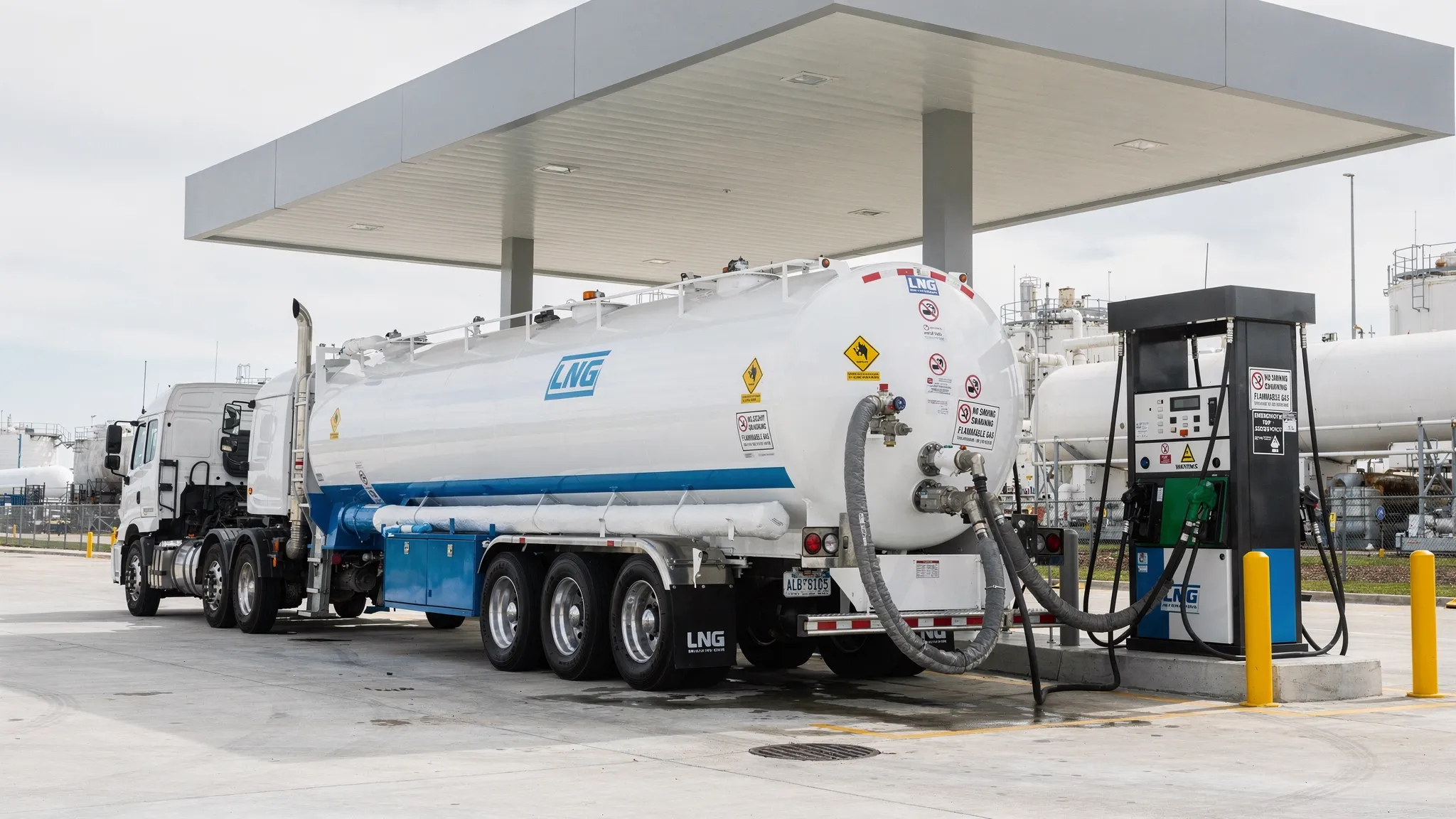
Liquefied natural gas is used in fleet transit and industrial equipment. When LNG is sold or used as a motor fuel it can trigger federal excise tax reporting. This service page explains Liquefied Natural Gas tax filing in simple terms and shows how to File IRS LNG tax electronically through eFileExcise720. The goal is to help you file accurately, protect your data and avoid late penalties. Keeping accurate fuel usage and transaction records can also make quarterly LNG tax filing faster and more organized.
EFile Excise 720!
Who needs to report LNG on
a quarterly excise return
You may need to file if you produce, import, sell or use LNG in a taxable way. The rules often apply to fuel marketers, fleet operators and businesses that dispense LNG into highway vehicles. Some taxpayers file because they remove LNG from a terminal rack while others file because they sell it for taxable use.
When you are unsure, start with the IRS definition of taxable fuel and the specific LNG line items in the IRS Form 720 instructions. Many filers also use the phrase Liquefied Natural Gas Form 720 when they look up the right reporting line.
Common LNG filing triggers
use
the US
LNG and must report gallons
What information you need for LNG reporting
Accurate LNG reporting starts with good records. Gather gallon totals by quarter plus documents that show when the fuel was sold or used and for what purpose. Your return may also depend on whether any sales were exempt or whether credits apply.
For Online Form 720 LNG filing you should have:
This preparation makes LNG excise tax e-filing faster and it reduces the chance of rejecting the return because of missing data.
How to file LNG tax online with eFileExcise720
If you want to File LNG tax online eFileExcise720 provides an IRS authorized portal that guides you through the return screens. You do not need to download software. After you create your account you select the quarter then choose the fuel lines that match your LNG activity.
The platform is designed for clear data entry. You can review totals before submission and store accepted copies for your records. If you work with more than one entity you can manage filings from one dashboard which helps with internal control.
This process supports E-file LNG Form 720 requirements while keeping your sensitive information protected.
Steps you will follow
- Sign in and choose the quarter
- Enter business details and select LNG lines
- Review your summary then submit electronically
Deadlines payments and quarterly planning
LNG taxes are reported on a quarterly schedule so planning matters. Track activity each month so you can reconcile gallons early. Keep an internal cutoff date a few days before the IRS due date so there is time to review.
Payment timing depends on your situation and IRS rules. Some taxpayers also have deposit requirements during the quarter. Use the IRS instructions for Form 720 to confirm how your payments should be made and when they are due. Good planning for quarterly excise tax LNG reporting on Form 720 lowers risk for penalties and interest.
One practical tip is to keep a simple worksheet that ties meter readings to invoices so you can explain any differences quickly. Fleet operators should collect meter tickets weekly so quarter totals are ready before filing starts.
Fixing mistakes and handling claims
Mistakes happen with fuel taxes because volumes are large and records can change after the quarter closes. If you need to correct a return you may file an amendment using Form 720 X. eFileExcise720 supports this amendment workflow so you can update the amounts and keep a clear audit trail.
Some LNG situations also involve claims when tax was paid but the fuel was later used in a way that qualifies for a refund. Rules can be strict so review IRS guidance and keep documentation that supports the claim. If you need help understanding what to gather eFileExcise720 customer support can explain what the system needs.
Fuel tax rules can be detailed but a clear process makes them manageable for Fuel Excise Tax compliance teams.
Testimonials
The final person I talked to was able to really help me and stayed on the line until the issue was resolved. I was about to end the call but she convinced me that she knew what i needed to do. A very good customer service person. Superior!.
The final person I talked to was able to really help me and stayed on the line until the issue was resolved. I was about to end the call but she convinced me that she knew what i needed to do. A very good customer service person. Superior!.
The final person I talked to was able to really help me and stayed on the line until the issue was resolved. I was about to end the call but she convinced me that she knew what i needed to do. A very good customer service person. Superior!.
Frequently Asked Questions
Conclusion
Liquefied Natural Gas tax filing is easier when you prepare records each month and file promptly each quarter. With eFileExcise720 you can submit your return online through an IRS authorized system and get support when questions come up. Start your next LNG filing with a guided workflow that helps you stay compliant now.
File Form 720 Now